In Part 1 of this series we installed IIS.
In Part 2 we installed and configured WebDAV.
In Part 3 we installed BITS and Remote Differential Compression.
In Part 4 we created a ConfigMgr administrator group and installed and configured SQL Server 2008.
In Part 5 we extended the Active Directory schema and created/configured the System Management container.
Report Viewer 2008 is required by the ConfigMgr Console and needs to be installed before installing SCCM.
- Log into the server that SCCM will be installed on using the domain Administrator account.
- Download Microsoft Report Viewer Redistributable 2008 from the Microsoft Web site.
- Run the Report Viewer 2008 setup by double-clicking it.
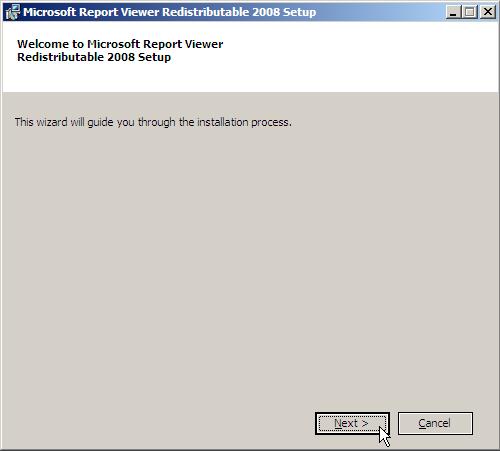
- On the welcome page of the Report Viewer 2008 setup wizard, click Next.
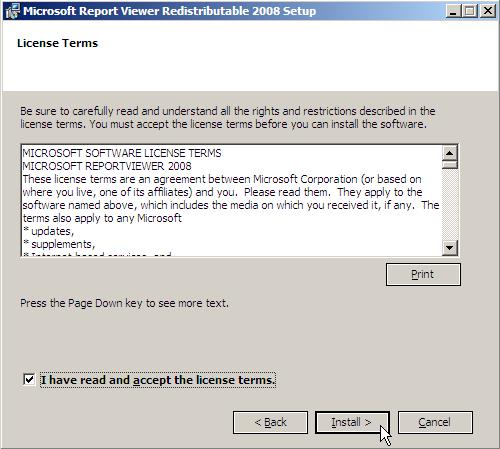
- If you accept the terms, select I have read and accept the license terms, and then click Install.
- Wait patiently for Report Viewer 2008 to install. Once the setup completes, click Finish.
Next in Part 7: Installing WSUS Server with Admin Console