In Part 1 of this series we installed IIS.
In Part 2 we installed and configured WebDAV.
BITS and Remote Differential Compression are both prerequisites of ConfigMgr. BITS is required by the distribution point and Remote Differential Compression is required by ConfigMgr to generate package signatures and perform signature comparison. This section will guide you through the process of installing BITS and Remote Differential Compression.
Installing BITS
- Go to Start>Administrative Tools and click Server Manager.
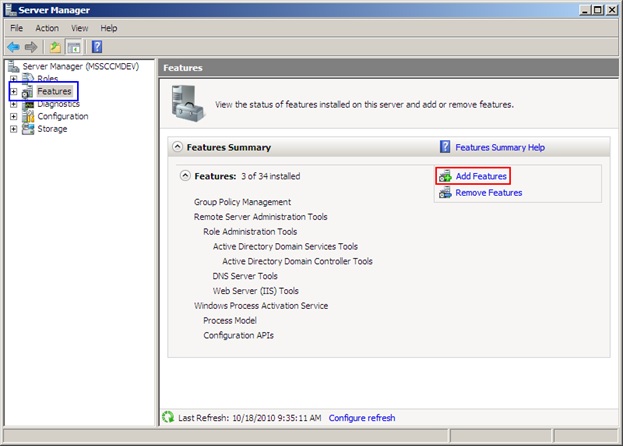
- In the Server Manager window, click Features.
- Click Add Features on the Features page.
- On the Features page of the Add Features wizard, select the BITS Server Extensions check box OR the Background Intelligent Transfer Services (BITS) check box for Windows Server 2008 R2.
- When prompted, click Add Required Roles Services to add the dependent components.
- Click Next on the Features page.
- Click Next on the Web Server (IIS) page.
- Click Next on the Role Services page.
- Click Install on the Confirmation page.
- Wait patiently while the features install.
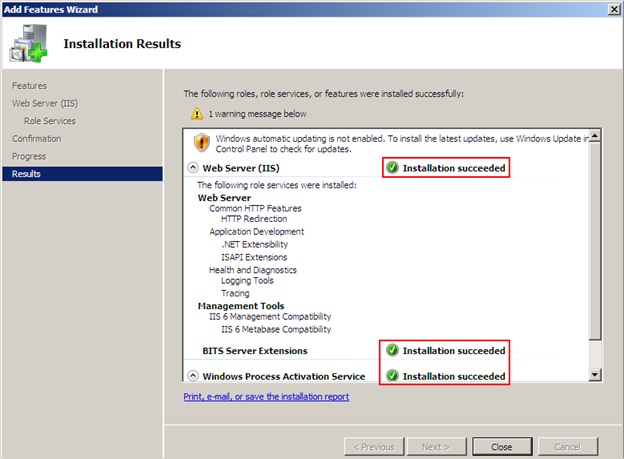
- On the Results page of the Add Features wizard, verify that all of the feature installations succeeded, and then click Close.
Installing Remote Differential Compression
- Go to Start>Administrative Tools and click Server Manager.
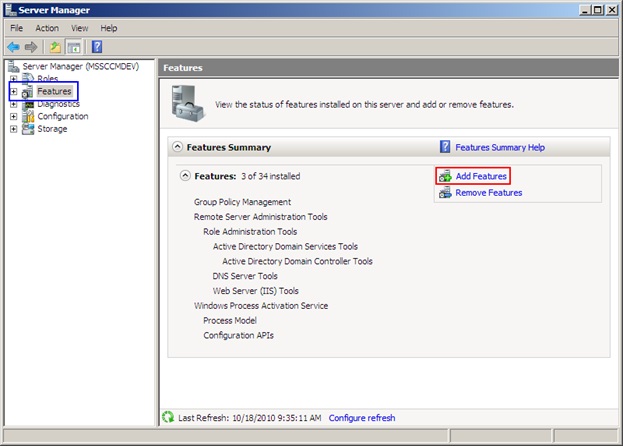
- In the Server Manager window, click Features.
- Click Add Features on the Features page.
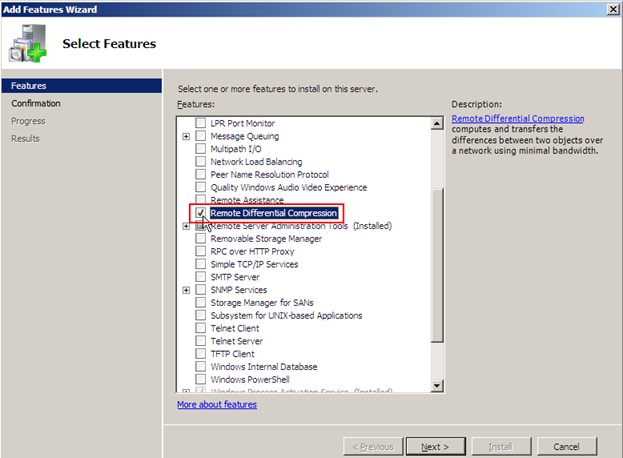
- On the Features page of the Add Features wizard, select the Remote Differential Compression check box, and then click Next.
- Click Install on the Confirmation page.
- Wait patiently for the feature to install.
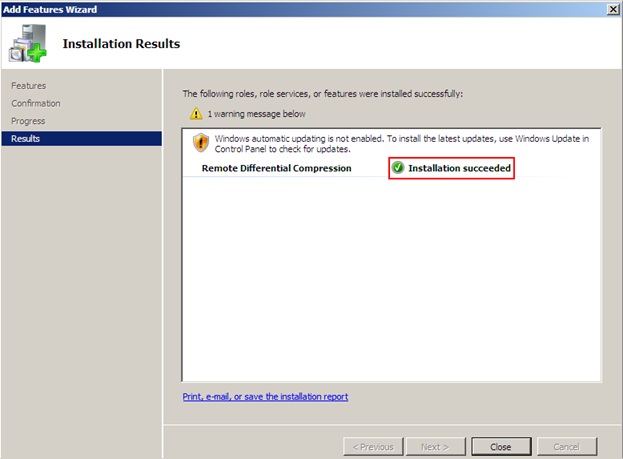
- On the Results page of the Add Features wizard, verify that all of the feature installations succeeded, and then click Close.
- Close the Server Manager window.
Next in Part 4: Creating a ConfigMgr Admin Group and Installing SQL Server 2008